Adding WooCommerce Styles
- Add
woo-styles.cssinto the template directory. - Add the below script in the
functions.phpfile:
		if ( in_array( 'woocommerce/woocommerce.php', apply_filters( 'active_plugins', get_option( 'active_plugins' ) ) ) ) {
    		wp_register_style('woocommerce', get_template_directory_uri() . '/woo-styles.css', array(), '1.0', 'all');
    		wp_enqueue_style('woocommerce');
		}
Declaring theme compatibility and woocommerce support
		/*-------------------------------------------------
		Start Woocommerce Theme support script (Adtorque Edge Theme Requires this scripts for woocommerce compatibility)
			--------------------------------------------------*/

		add_theme_support( 'woocommerce' );
Add Action Hook examples
Adding Wrappers around woocommerce Product pages
		add_action('woocommerce_before_main_content', 'add_custom_woocommerce_wrapper_start');
		function add_custom_woocommerce_wrapper_start() {
    		echo '<div class="wrapper">;
		}

		add_action('woocommerce_after_main_content', 'add_custom_woocommerce_wrapper_end');
		function add_custom_woocommerce_wrapper_end() {
    		echo '</div>';
		}
Adding Banner example
		// Adding banner on Product page
		add_action( 'woocommerce_before_single_product', 'add_custom_banner' );
		function add_custom_banner() {
    		echo '<div class="custom-banner">Special Product!</div>';
		}
Adding Banner example
		// Adding banner on Product page
		add_action( 'woocommerce_before_single_product', 'add_custom_banner' );
		function add_custom_banner() {
    		echo '<div class="custom-banner">Special Product!</div>';
		}
adding title on shop page
		// Adding banner on Product page
		add_filter( 'woocommerce_page_title', 'custom_shop_page_title' );
		function custom_shop_page_title( $title ) {
    		if ( is_shop() ) {
        		return 'Our Amazing Product Selection';
    		}
    		return $title;
		}
Remove Action Hook examples
Remove shop page title
remove_action( 'woocommerce_single_product_summary', 'woocommerce_template_single_title', 5 );
		// Add the product title after the short description
		add_action('woocommerce_single_product_summary', 'woocommerce_template_single_title', 20);

		// Remove the short description from its default position
		remove_action('woocommerce_single_product_summary', 'woocommerce_template_single_excerpt', 20);

		// Add the short description to the product description area
		add_action('woocommerce_after_add_to_cart_button', 'woocommerce_template_single_excerpt', 5);

		add_filter('woocommerce_get_price_html', 'custom_price_display', 10, 2);

		function custom_price_display($price, $product) {
    		$custom_text = 'Starting at: ';
    		return $custom_text . $price;
		}
Featured Products
Adding Recent WooCommerce Products Shortcode
Use the following code to create a shortcode that displays recent WooCommerce products:
        // Add Shortcode for Recent WooCommerce Products
        function my_recent_products($atts) {
            // Shortcode attributes
            $atts = shortcode_atts(array(
                'category' => '', // Default category is empty
                'number'   => 12, // Default number of products to display
            ), $atts, 'recent-products');

            // WP_Query arguments
            $args = array(
                'post_type'      => 'product', // Get products
                'posts_per_page' => intval($atts['number']), // Set number of products to display
                'post_status'    => 'publish', // Only published products
            );

            // Filter by category if provided
            if (!empty($atts['category'])) {
                $args['tax_query'] = array(
                    array(
                        'taxonomy' => 'product_cat',
                        'field'    => 'slug',
                        'terms'    => explode(',', $atts['category']), // Allow multiple categories separated by commas
                    ),
                );
            }

            // Custom Query
            $products = new WP_Query($args);

            if ($products->have_posts()) {
                ob_start();

                $result = '';
                $result .= '<div id="products-blk" class="embla embla-1">
                                <div class="embla__viewport">
                                    <div class="embla__container products flex d-four-cols l-three-cols xl-four-cols">';

                while ($products->have_posts()) : $products->the_post();

                    // Get product data
                    $product = wc_get_product(get_the_ID());
                    $post_thumbnail_id = get_post_thumbnail_id();
                    $product_thumbnail = wp_get_attachment_image_src($post_thumbnail_id, 'full');
                    $product_thumbnail_alt = get_post_meta($post_thumbnail_id, '_wp_attachment_image_alt', true);

                    // Product output
                    $result .= '<div class="embla__slide">
                                    <div class="embla__slide__inner">
                                        <div class="product-slider">
                                            <a href="<?php echo get_the_permalink(); ?>"></a>
                                            <img src="<?php echo esc_url($product_thumbnail[0]); ?>" alt="<?php echo esc_attr($product_thumbnail_alt); ?>">
                                            <div class="hover-box">
                                                <div>
                                                    <h3><?php echo esc_html(get_the_title()); ?></h3>
                                                    <p class="published"><?php echo wp_kses_post($product->get_price_html()); ?></p> <!-- Correct price display -->
                                                    <p><?php echo esc_html(get_the_excerpt()); ?></p>
                                                    <p class="h-link">Find out More</p>
                                                </div>
                                            </div>
                                        </div>
                                    </div>
                                </div>';

                endwhile;

                $result .= '</div></div><div class="embla__dots"></div></div>';

                wp_reset_postdata(); // Reset the post data after the custom query

                return $result; // Return the output
            } else {
                return '<p>No products found.</p>'; // Fallback message
            }
        }

        // Register the shortcode
        add_shortcode('recent-products', 'my_recent_products');
Add below in JS Code
let $product = emblaSlider({ wrapper: '#products-blk', containScroll: true, loop: false, autoplay: true, pause: 3000, arrows: true, dots: false, thumbs: true, responsive: { } });
Shortcodes to use
[recent-products category="clothing" number="6]
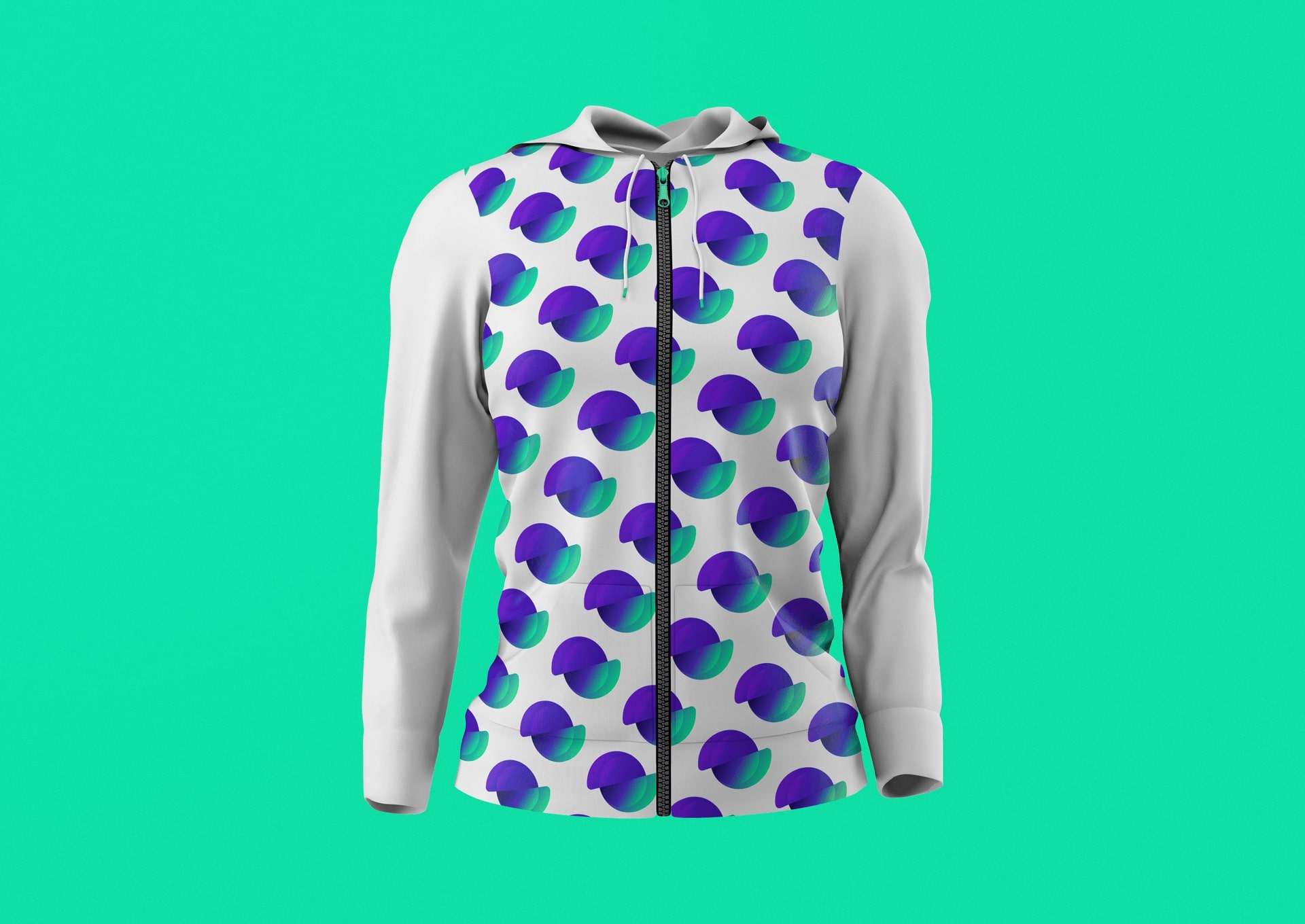
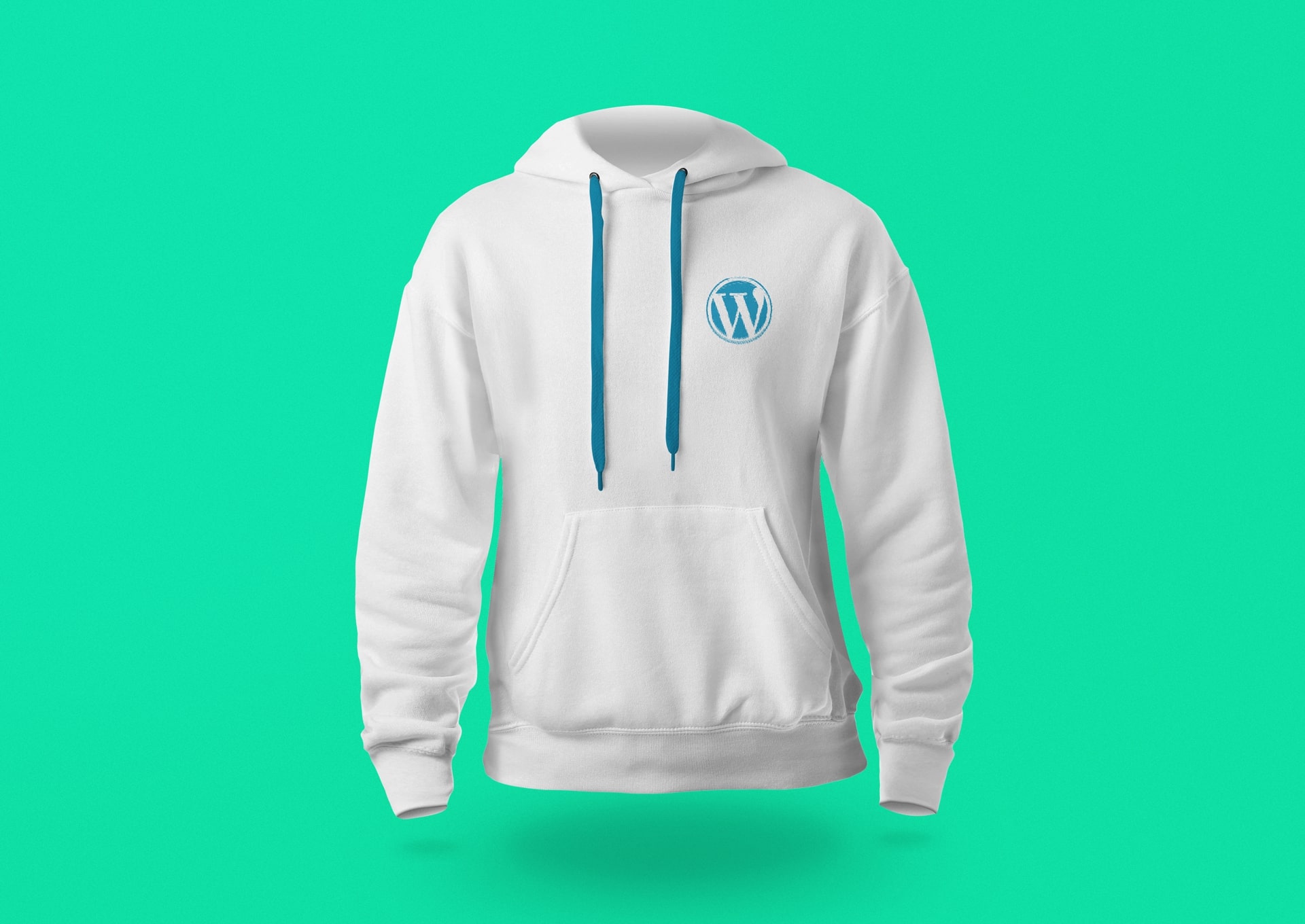
WooCommerce “Gimme the Money” Zipper Hoodie
Original price was: $29.99.$27.99Current price is: $27.99.
This WooCommerce hoodie is a must have for any WooCommerce fan. It is made from a soft, comfortable, and durable cotton blend. The hoodie is a perfect way to stay warm and show your WooCommerce pride.
Find out More

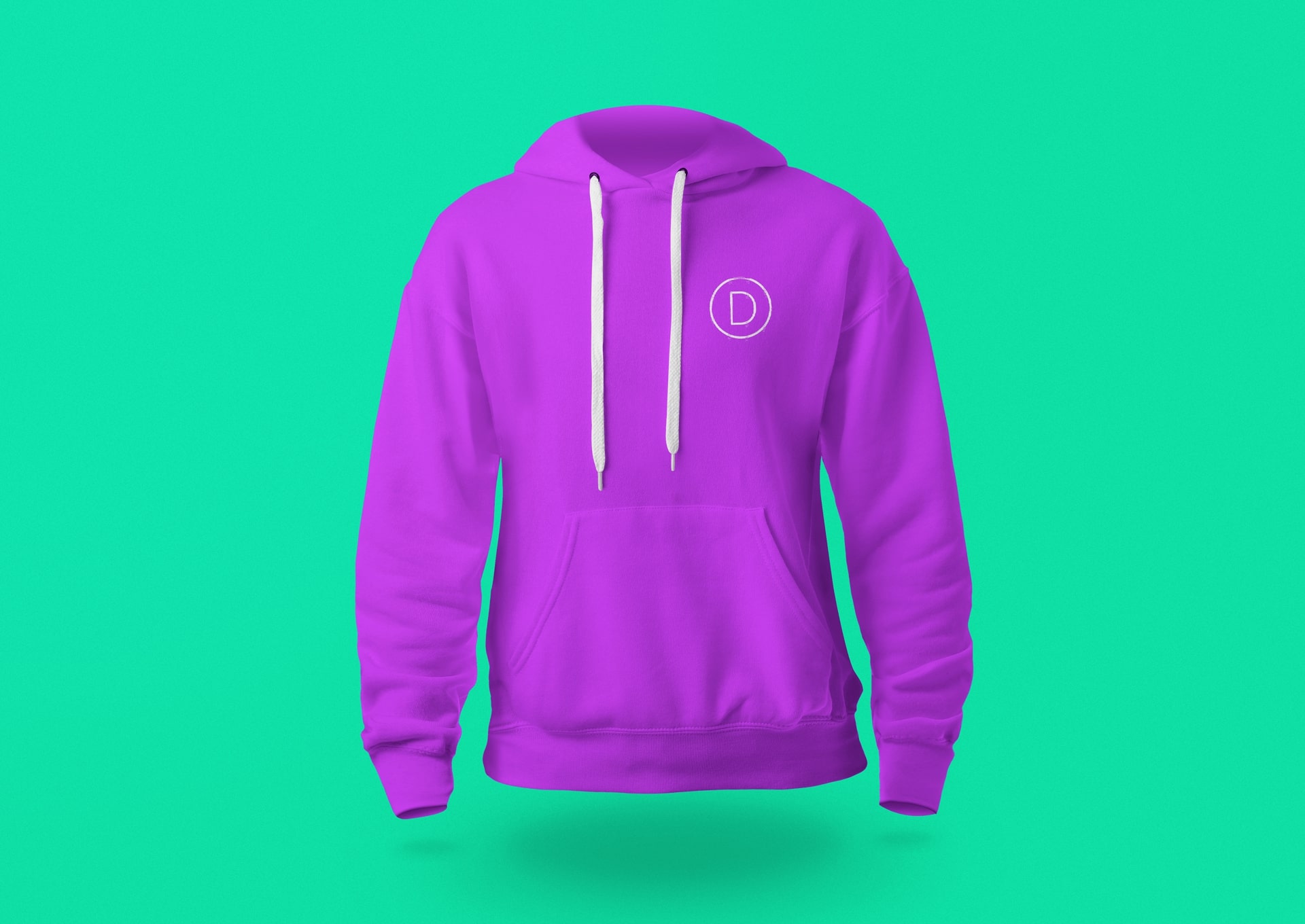
Purple Divi Engine Text Zipper Hoodie
Original price was: $29.99.$27.99Current price is: $27.99.
This Divi Engine hoodie is a must have for any Divi Engine fan. It is made from a soft, comfortable, and durable cotton blend. The hoodie is a perfect way to stay warm and show your Divi Engine pride.
Find out More